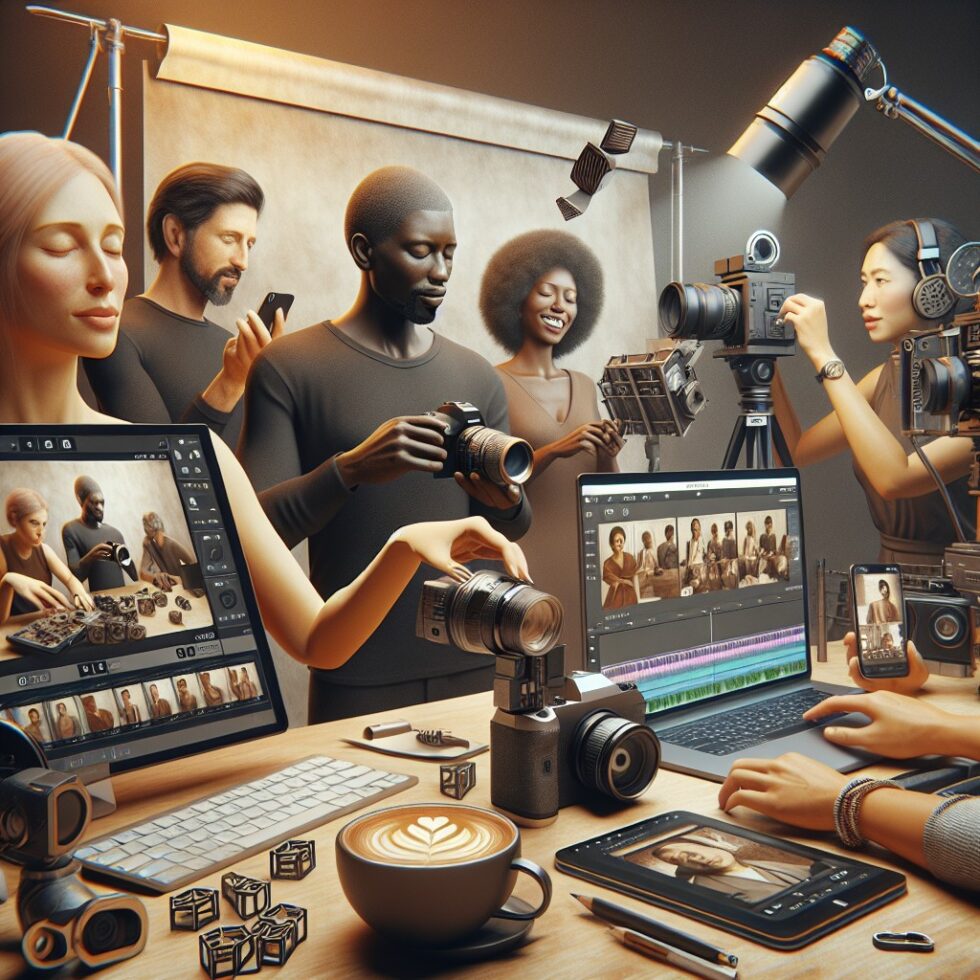
Why Spatial Video Is Suddenly Everywhere
What used to be a specialty for 3D enthusiasts just stepped into the mainstream. Phones and compact cameras can now record spatial video—two slightly different views of the same scene—so your clips carry depth when viewed on a headset or 3D display. The best part: you do not need a studio or a rig that looks like a science project. With a few practical habits and the right export settings, you can produce immersive clips that hold up across devices, from a headset to a regular phone screen.
This guide is hands‑on and opinionated. We’ll keep the language clear and the steps simple. You’ll learn what spatial video actually is, how to capture it on phones and cameras, how to edit without breaking depth, and how to share it so it actually plays where your friends watch.
What Spatial Video Actually Is
At its core, spatial video is stereoscopic: two synchronized videos of the same subject, one for your left eye and one for your right. The human brain fuses them into a single image with depth. It’s different from 360° or 180° VR, which capture a wider field of view; and it’s different from full volumetric or “6DoF” video that lets you move around inside a scene. Stereoscopic video gives you depth when you keep your head relatively steady.
Stereoscopic vs. 6DoF
- Stereoscopic: Two eye views. You can rotate and tilt your head a bit, but you’re not walking around inside the scene.
- 6DoF/Volumetric: A full 3D model or layered capture. You can move your head laterally and the scene updates. This requires more cameras and heavy processing.
Most “spatial video” you see from phones today is stereoscopic. That’s good news: it’s lighter to capture, faster to edit, and easy to share.
File Formats in the Wild
Spatial video is usually stored as a single file that packs both eye views, plus metadata telling a player how to present them. On phones, this often means a MOV container with the two streams and per-frame alignment info. Other ecosystems prefer side‑by‑side (SBS) or over‑under layouts, where both views are stitched into one frame. There’s no single universal format, so you’ll often export two versions: one that’s native for your headset or phone, and another as SBS for broader compatibility.
Capture: Getting Good 3D from Handheld Devices
Great 3D starts with stable composition and the right subject distance. Here is a field guide you can remember in two minutes.
Keep a Comfortable Baseline
The spacing between the two “eyes” (cameras) shapes the depth. Human eye separation averages about 63 mm. If your capture device uses a similar spacing, scenes at 1–5 meters look natural. For very close subjects (under 0.8 m), depth can feel exaggerated. For far subjects (beyond 10 m), depth flattens out.
- Do: Frame people at 1.5–3 m. Trees, sculptures, and tables at 1–4 m look great.
- Don’t: Hold the camera too close to faces or objects unless that’s the creative intent. Extreme “pop out” can cause eye strain.
Stabilize and Move with Care
Shaky stereo is worse than shaky 2D. Micro wobbles become depth jitters.
- Use a gimbal or brace your elbows against your body.
- Prefer slow, straight moves. Pans and dolly moves are safer than diagonal zig‑zags.
- Let people walk across the frame rather than straight toward or away from you.
Lock Exposure and White Balance
If the two eyes differ in exposure or color, depth collapses. If your camera app allows it, lock exposure and white balance before recording. In mixed lighting, a gentle fill light can tame harsh contrast and reduce later color fixes.
Mind the Foreground
Objects very close to the lens, like fingers or cables, can create “window violations,” where something appears to stick out of the screen edge. Keep near objects inside the frame edges, or recompose to keep the frame “window” intact.
Phones with Native Capture
Several phones and platforms now support spatial video. The capture app handles synchronization and metadata. The biggest advantage is that everything stays aligned, so editing is simpler and playback on the target headset or app is predictable.
Dedicated 3D Cameras
Compact 3D cameras with matched lenses are still a great choice. They offer consistent baseline, lens sync, and reliable firmware for stereoscopic capture. Many also record SBS or over‑under, which reduces conversion work later.
DIY Rigs: Two Phones, One Slate
If you build a two‑phone rig, use a rigid mount that sets a human‑like baseline. Start both cameras, clap a slate, and keep rolling for a full take. You’ll align the audio peaks in editing. Make sure both phones have the same frame rate and shutter. Expect to spend a few minutes per clip on alignment and color matching.
Audio That Fits
Stereoscopic video does not require spatial audio, but clear stereo helps the brain “believe” the scene. Use a small on‑camera stereo mic with a shock mount, or a quality lav on your subject. If you plan to publish to VR players that support ambisonics, you can record a first‑order ambisonic track from a compact mic as a separate source and sync it in post.
Editing Without Breaking Depth
Once you’ve captured in a native format or aligned your two views, the main goal is to preserve stereoscopic integrity while you color, crop, and stabilize. The good news: mainstream editors now support stereo workflows, and the steps are repeatable.
Set Up a Stereo Project
- In editors like Final Cut Pro, DaVinci Resolve, or Premiere Pro, create a stereoscopic sequence or timeline. This keeps left/right streams paired and unlocks stereo tools for alignment.
- Verify left/right order. A swapped pair inverts depth and looks wrong instantly.
- Use a viewer mode that shows both eyes or an anaglyph preview for quick checks.
Fix Vertical Alignment First
Vertical misalignment is the fastest way to cause eye strain. Use your editor’s stereo alignment tool or a transform effect to nudge one eye vertically until high‑contrast features line up. Do this before color, stabilization, or cropping.
Match Color and Exposure Between Eyes
Apply color correction symmetrically. If the editor supports linked grade across eyes, use it. If not, copy your grade from left to right and fine‑tune. Avoid heavy vignette or selective color adjustments that differ between eyes.
Manage Parallax and Convergence
Parallax is the horizontal offset between the left and right images. It creates depth. Too much parallax can be uncomfortable; too little looks flat. Most editors provide a convergence control that shifts the eyes horizontally to set the “zero parallax” plane—where objects appear at the screen surface.
- Safe range: Keep maximum horizontal parallax for important subjects to about 1–2% of image width for comfortable viewing.
- Zero parallax: Place it on your subject’s face if that’s the focus. Background will sit behind the screen, which feels natural.
Crop, Stabilize, and Title with Care
- Crop symmetrically. Link both eyes before cropping to avoid mismatched edges.
- Use gentle stabilization. Strong warps can desync the eyes. If needed, stabilize each eye identically using the same parameters.
- Titles and graphics should sit at or slightly behind the zero‑parallax plane. Flat 2D titles that “float” too far forward can be uncomfortable.
Converting Formats Without Surprises
Depending on your target, you may export a native dual‑stream file or a side‑by‑side layout.
- Native headset format: Use your editor’s stereoscopic export preset where available. This keeps per‑frame stereo metadata intact.
- Side‑by‑side (SBS): If you need compatibility with many players, render left and right as a single frame with each eye squeezed to half width. Mark the file as 3D in the player or upload process.
- Over‑under: Same idea, but stacked vertically. Some VR players prefer this layout.
If you use command‑line tools, remember: rescale both eyes consistently, keep frame rate and color space identical, and select an HEVC/AV1 profile your target device supports. When in doubt, HEVC Main profile at a moderate bitrate is a safe baseline.
Sharing: Where Spatial Video Plays Today
Today’s ecosystem is messy but workable. The key is to pick one native target and provide a universal fallback.
Headsets and Native Apps
- Many headsets and mixed reality devices play dual‑stream or SBS files through their native gallery apps.
- Some phone galleries support spatial playback on the device or when mirrored to a compatible headset.
Check your device documentation for exact bitrates and layouts. If your file won’t play, transcode to SBS at the requested resolution and try again.
YouTube and Online Players
YouTube supports 3D and VR. For standard stereoscopic content, you can upload an SBS file and add 3D metadata during or after upload. It won’t be 6DoF, but it will show depth on compatible devices and fall back to 2D elsewhere. Other VR players and web apps (including WebXR experiences) accept SBS or over‑under with flags in the video tag or player settings.
Social Feeds
Most mainstream social apps still don’t render stereo to their feeds. If reach matters, export a 2D version from your stereo master. You can include a short anaglyph teaser (red‑cyan) if the platform allows it, but keep it brief—anaglyph renders are a novelty and not comfortable for long viewing.
A Repeatable Workflow That Doesn’t Break
Here is a simple pipeline you can use for every clip.
- Plan: Choose a subject at 1–3 m. Lock exposure and white balance. Stabilize.
- Capture: Roll a few extra seconds before and after the action. Note shot details in your phone or a card.
- Ingest: Copy media to a dated folder. Verify both eyes exist and are in sync.
- Edit: Fix vertical alignment, set convergence, color match, then trim. Avoid radical stabilization.
- Export 1: Native format for your target headset or device.
- Export 2: SBS fallback (e.g., 3840×1080 for 16:9 content), H.265 with a conservative bitrate (e.g., 30–50 Mbps for high quality).
- Publish: Upload the native file to your headset/gallery and the SBS to YouTube or a VR player. Post a 2D cut to social.
Avoid Motion Sickness and Eye Strain
Stereoscopic comfort is well understood. Follow these rules for consistent results.
- Limit parallax: Keep maximum positive parallax in the 1–2% of image width range for important content. Avoid negative parallax (objects “in front of” the screen) at the frame edge.
- Slow moves: Keep camera moves under control. Short, gentle shots beat long, erratic ones.
- Depth of field: Use moderate depth of field so both eyes see a sharp subject with a readable background. Extreme blur can make fusion harder.
- Lighting: Good, even light reduces noise and makes alignment easier.
Depth from 2D: Use With Care
You can add a sense of depth to regular clips by generating a depth map and rendering a stereo pair. Modern tools do a surprisingly good job, but they sometimes produce depth glitches on hair, glass, or fast motion. If you try this route:
- Pick shots with clear subject/background separation and minimal motion blur.
- Use a consistent camera move so the generated parallax does not flicker.
- Keep the added depth subtle. Overdone fake parallax is fatiguing.
Conversion is great for mood pieces and legacy footage, but for your hero shots, native stereo almost always looks better.
Archiving and Mastering
Your spatial masters are worth keeping. Organize them so you’re not trapped in a single ecosystem.
- Master format: Save a high‑bitrate master with both eyes intact, plus a 2D proxy. If your editor supports mezzanine codecs (like ProRes in MOV), archive that alongside a production‑quality HEVC version.
- Naming: Use a suffix convention like “_L” and “_R” for separate eye files or “_SBS” for side‑by‑side renders. If you export dual‑stream MOV, note it in a README.
- Metadata: Preserve creation date, capture device, and any slate notes. A small text sidecar goes a long way years later.
- Checksums: Keep hashes for masters so you can verify integrity after drive migrations.
Quick Recipes
Recipe 1: Phone to Headset, No Fuss
- Capture with the phone’s native spatial mode.
- Trim and color in a stereo‑aware editor.
- Export the editor’s “spatial” preset for your device.
- AirDrop or copy to the headset gallery app. Watch.
Recipe 2: Two Phones, YouTube Sharing
- Mount phones at human baseline, lock exposure, clap a slate.
- Ingest, align audio peaks, fix vertical alignment, set convergence.
- Export SBS 3840×1080 HEVC, stereo audio.
- Upload to YouTube and set 3D metadata. Share the link; it falls back to 2D on regular screens.
Recipe 3: Clean 2D Cut from a Stereo Master
- Duplicate your timeline. Switch to left eye only.
- Apply a 2D‑friendly grade and add regular titles.
- Export as 4K H.264/H.265 for social.
Common Troubles and Fast Fixes
- Depth looks inverted: Swap left/right in your editor or player. Re‑export.
- Eye strain on cuts: Shots have mismatched zero‑parallax planes. Set convergence so cuts match, or add a brief dip to black.
- Shimmering edges: Over‑aggressive stabilization or rolling shutter differences between eyes. Reduce stabilization or use a more uniform method.
- One eye darker: Sync the grade across eyes and lock exposure in capture next time.
What’s Coming Next
The pipeline is improving quickly. Expect phones to capture better‑aligned stereo with smarter stabilization, and for editors to automate more of the grunt work—like per‑eye color matching and convergence suggestions. Standards for “multi‑view” video are maturing, which should make cross‑device playback less fragile. We’ll also see hybrid approaches—native stereo with a depth map—to enable gentle 6DoF effects in the same file.
None of this changes the fundamentals: good light, steady camera, comfortable parallax, and careful export. Master those and your clips will hold up as the ecosystem evolves.
Summary:
- Spatial video is stereoscopic: two views that create depth when fused by your brain.
- Keep subjects at 1–3 m, stabilize the camera, and lock exposure/white balance.
- Edit in a stereo‑aware timeline: fix vertical alignment first, then color and convergence.
- Export a native file for your target device and an SBS fallback for universal playback.
- Limit parallax to comfortable ranges and avoid window violations at frame edges.
- 2D‑to‑3D conversion works for simple shots, but native stereo looks best.
- Archive a high‑quality master, a 2D proxy, and preserve metadata for future use.