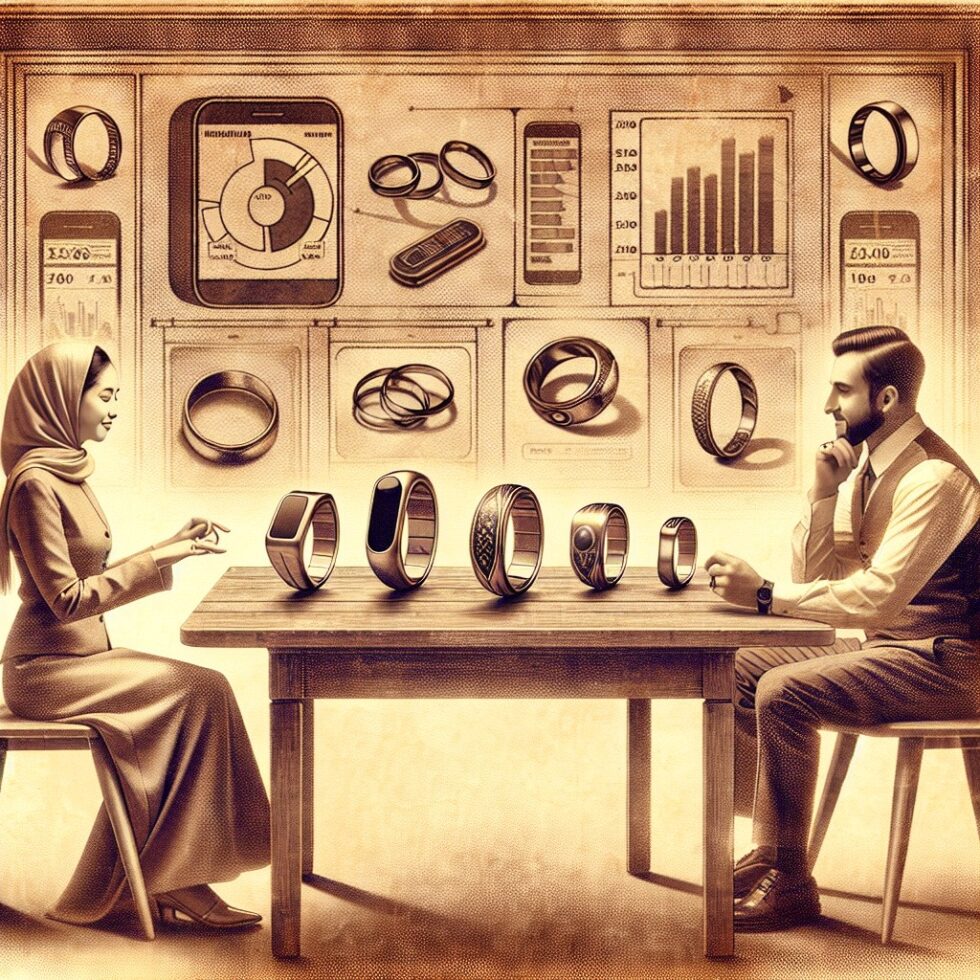
Smart rings are having a moment. They look like jewelry, slip under cuffs and gloves, and work day and night without asking for attention. But the real promise isn’t a new screen on your finger—it’s quieter health feedback that fits in your life. This guide stays practical: how to choose a ring that suits you, set it up without friction, and use the data in ways that actually feel helpful. We’ll sidestep hype and zero in on comfort, battery habits, privacy, and routines that stick.
What Smart Rings Measure—And What They Don’t
Most rings track the same core signals as watches but from a different vantage point. The finger is rich with blood vessels, which suits optical measurements. Understanding what the sensors can and cannot do keeps expectations grounded and prevents “score chasing.”
Sensors in a circle
Common elements include:
- PPG (photoplethysmography): tiny LEDs and photodiodes infer pulse timing. From that you get heart rate, pulse wave features, and estimates of HRV during rest.
- Skin temperature trend: a thermistor reads the surface. The ring watches the delta from your baseline more than absolute numbers. Useful for sleep readiness and spotting changes across nights.
- Accelerometer and gyroscope: motion for activity, stillness, and sleep episode detection. This is the backbone of sleep and activity classification.
- Battery and charging sensors: less glamorous, but vital—solid telemetry here can prevent surprises.
Some rings add blood oxygen estimates or EDA (electrodermal activity); others integrate NFC for access or payments. These features are still maturing in rings and may not replace your other tools yet.
Accuracy in context
Rings tend to be strongest at resting heart rate, sleep timing, sleep duration, and nightly HRV trends. They are weaker at high-intensity exercise heart rate compared to a chest strap. Sleep staging can be useful across weeks but can mislabel stages on a single night. Treat nightly classifications as hints, not diagnoses. Use the ring for trends and timing; use a chest strap for interval training; use a thermometer for fever decisions.
Pick the Right Ring for You
If you get fit and battery wrong, you’ll hate the best software in the world. If you get privacy wrong, you may stop wearing it. Start with the basics: comfort, endurance, and data rights.
Comfort and sizing
Rings should be snug but not tight. Too loose and the optical signal wobbles; too tight and your finger swells by mid-day. Most vendors offer a free sizing kit. Wear test sizes for at least a day, including exercise and typing. Rotate the inner sensor module to the palm side of your finger at night—this often improves signal quality.
Note materials and finish. Titanium is light and durable. Coatings (e.g., PVD) look great but can scuff if you lift weights or handle tools. If you react to nickel or certain coatings, look for hypoallergenic options and check any biocompatibility claims. Water resistance ratings matter if you surf, soak, or sauna; confirm the exact spec and heat limits.
Battery and charging habits
Healthy lithium cells like shallow cycles and cool temps. In practice:
- Charge during short, regular windows—breakfast and shower is popular. Top up to ~80–90% and avoid deep discharges to 0% when you can.
- Keep it cool while charging. Don’t leave it on a hot dashboard or over a heat vent.
- Travel with a spare charger. Ring chargers are proprietary; losing one means days without data.
If your schedule is erratic, build a visible cue: park the charger next to your toothbrush or coffee setup. A stable charging ritual keeps the ring on your finger at night, where it shines.
App ecosystem and data rights
Check integrations before you buy. If you live in Apple Health, Google Fit, or TrainingPeaks, make sure the ring syncs cleanly. Look for export options (CSV or API) and read the privacy policy: Who can see your data? How long is it stored? Can you delete it? Is there a subscription, and what becomes inaccessible if you cancel? If the app offers an airplane mode, confirm that offline data later backfills without gaps.
Setup for a Smooth First Week
The first week sets your baselines. Treat it like onboarding—not an exam.
Day 0: Unbox, pair, and sanity-check
- Update firmware before the first night; newer builds often improve sleep detection and battery reliability.
- Place the sensor module toward your palm on your index or middle finger. Try each hand and keep the best performer.
- Disable nonessential notifications on the ring. It’s a health tool, not another buzzer.
Days 1–3: Build baselines
- Wear the ring through sleep and waking routines. Don’t change your life yet—let the ring learn your normal.
- Keep the charge between 30% and 90% with short top‑ups. Note real‑world battery life.
- Check that morning sync is reliable. If it isn’t, try toggling Bluetooth, force‑closing the app, or pairing once more.
Days 4–7: Label and refine
- Manually tag workouts for at least two sessions. Teach the model the difference between a walk and a lift day.
- Set a consistent sleep window target (e.g., 11:00 p.m.–7:00 a.m.). Track how anxious or calm the last hour feels; that often predicts sleep quality better than any stage label.
- Export your first week of data to confirm you can get it. It’s good to test this before you depend on long histories.
Daily Routines That Compound
Numbers should reduce friction, not add new chores. Pair ring metrics with a few levers you can always pull.
Sleep you can act on
Sleep is where rings excel because you don’t need to push buttons or remember anything. To make the most of it:
- Watch timing regularity first. A steady sleep window often improves resting HR and next‑day energy faster than stage tweaking.
- Use resting HR and HRV trends as “yellow flags.” If resting HR is up and HRV is down versus your baseline for two nights, treat the next day as a lighter day.
- A rising skin temperature deviation can warn of illness or cycle phase shifts. Don’t self‑diagnose, but consider easing intensity or going to bed 30 minutes earlier when deltas persist.
Avoid micromanaging single nights. Poor labeling on one night doesn’t mean your sleep is broken. Look for three- to seven-day arcs.
Training and recovery
Rings estimate activity load passably, but they struggle with strength training and intervals. Use simple rules:
- For cardio: wear a chest strap for intervals; let the ring log the session duration and tag it later. Trust the strap for heart rate zones, and the ring for how you recovered overnight.
- For lifts: log sets in your training app; let the ring capture the big picture—sleep quality, resting HR, and HRV trends. These tell you when to push or pull back.
- For walking breaks: let ring nudges help you insert short, frequent movement snacks. Don’t overthink step counts; think cadence of breaks.
Keep it boring and consistent. A ring’s value compounds when life is slightly more regular than before.
Focus and stress
Some rings surface daytime focus or stress proxies by blending HRV, temperature drift, and motion. Treat these as cues to scan your environment: Are you under‑hydrated? Late on a meal? In a loud space? Use one small lever—water, a walk, or five calm breaths—and move on. Don’t doomscroll your readiness graph.
Privacy, Subscriptions, and Data Portability
A ring sits on your body all day and night. The data can be intimate. Protect it with a few practices:
- Use sign‑in options you can recover. Enable multi‑factor authentication for the app. If the vendor offers passkeys, consider them.
- Back up exports. Put monthly CSV exports somewhere you control. If you leave the platform, you’ll have your history.
- Audit permissions. On your phone, restrict background location unless it’s needed for sync reliability. Rings don’t need to know where you go, just what your heart and hands are doing.
- Know the subscription line. If you stop paying, do you lose historical scores or only premium features? Plan ahead.
If you’re privacy‑sensitive, use airplane mode overnight and sync in the morning. This reduces background chatter while preserving data completeness. Confirm that offline nights later fill in cleanly.
Care, Troubleshooting, and When to Take It Off
Even low‑maintenance gear benefits from a little care.
Basic care
- Rinse the ring after saltwater or sweaty workouts. Dry the charging contacts before docking.
- Clean the inner sensors with a microfiber cloth. A smudge can hurt optical readings.
- Update firmware monthly. Many “accuracy upgrades” are shipping in code, not new hardware.
If readings look off
- Shift the fit: try a different finger or rotate the module slightly. Hands swell and shrink with heat, salt, and time of day.
- Fix the baseline: if temperature or HRV trends look stuck, wear consistently for a week with stable bedtimes. The model needs calm periods to re‑learn your normal.
- Check battery health: if charge drops suddenly or capacity feels halved, contact support. Cells do age, but sudden cliffs often indicate a defect or a background app conflict.
Know when to remove it
- Heavy lifting or climbing: rings can pinch or scratch; consider a silicone protector or take it off.
- Medical procedures: ask your clinician about removing wearables before imaging, surgeries, or hospital stays.
- Skin irritation: any redness or itching that doesn’t fade needs a break. Dry thoroughly after showers and workouts; moisture under the ring can irritate skin.
Remember: a smart ring is not a medical device. Treat unusual or worrying readings as prompts to rest or to seek professional guidance, not as clinical verdicts.
A Week of Simple Wins
If you like doing, here’s a minimalist program that turns the ring into outcomes without making you a full‑time analyst.
Seven days, seven habits
- Day 1: Set your sleep window in the app. Place the charger by your toothbrush.
- Day 2: Create a 20‑minute wind‑down: light stretch, dim lights, no heavy tasks. Note how your resting HR looks next morning.
- Day 3: Log one workout with a chest strap if you have it. Compare ring trends the next day.
- Day 4: Enable airplane mode overnight and confirm a morning backfill.
- Day 5: Export data and save it in a folder you control.
- Day 6: Add a mid‑day 10‑minute walk. Watch afternoon energy and evening sleep onset.
- Day 7: Review the week. Pick one lever to keep (earlier lights‑out, walk, or hydration) and ignore the rest. Consistency beats complexity.
Under the Hood: Making Sense of HRV and Temperature
Two less‑intuitive signals drive many readiness scores. Treat them as context, not commandments.
HRV in plain terms
Heart rate variability (HRV) measures small changes in the time between beats. Higher HRV during sleep often reflects a more relaxed autonomic state. Lower HRV can show up with illness, late meals, alcohol, or hard training. But HRV is highly individual. Compare you‑to‑you over weeks, not you‑to‑someone else. Rings typically report a nightly average or median (sometimes a time‑domain metric like rMSSD). The punchline: pair HRV with how you feel and with resting HR; don’t react to single‑night dips unless they persist.
Skin temperature trends
Rings track deviation from your baseline, not body temperature like a medical thermometer. Upward drifts can flag illness or cycle shifts; downward drifts show up in cooler rooms or after long outdoor time. Expect seasonal patterns. You can use this signal as a nudge to adjust bedtime or training plans, but it doesn’t diagnose anything. If you suspect fever, use a proper thermometer.
Buying Tips That Avoid Regret
Before you press “buy,” run this short checklist:
- Try a sizing kit and commit to the finger that gives the cleanest overnight readings.
- Confirm export format and cadence. If you can’t get your data out, you’re renting your history.
- Check subscription scope and whether core features remain without it.
- Read water/heat limits if you swim or sauna.
- Scan the policy for data deletion, third‑party sharing, and location use.
These five minutes prevent most “I should have looked closer” moments with wearables.
What’s Next for Rings (and What to Ignore for Now)
Expect rings to improve in sensor fusion (combining motion, PPG, and temperature in smarter ways), low‑power radios for longer battery life, and better baselines that re‑learn faster after travel or illness. You’ll also see more open exports and integrations into training and mindfulness apps.
Be skeptical of headline features like continuous SpO₂ or blood pressure without strong validation. These are hard problems in wrist and finger form factors. When you see them marketed, look for peer‑reviewed validation, not just pretty dashboards. In the meantime, rings already excel at the quiet fundamentals: sleep timing, resting HR, HRV trends, and nudging you toward steadier days.
Summary:
- Rings shine at sleep timing, resting heart rate, HRV trends, and day‑to‑day nudges; use a chest strap for intense training.
- Get comfort, battery habits, and data rights right first; the rest follows.
- Onboard for a week to build baselines; don’t chase single‑night scores.
- Pair ring metrics with simple levers: a steady sleep window, wind‑downs, movement snacks, and hydration.
- Protect privacy with exports, app permissions, and optional airplane mode at night.
- Care basics: rinse, dry, clean sensors, update firmware; remove for heavy lifting or if your skin needs a break.
- Exciting features are coming, but today’s rings already deliver if you focus on consistency over complexity.