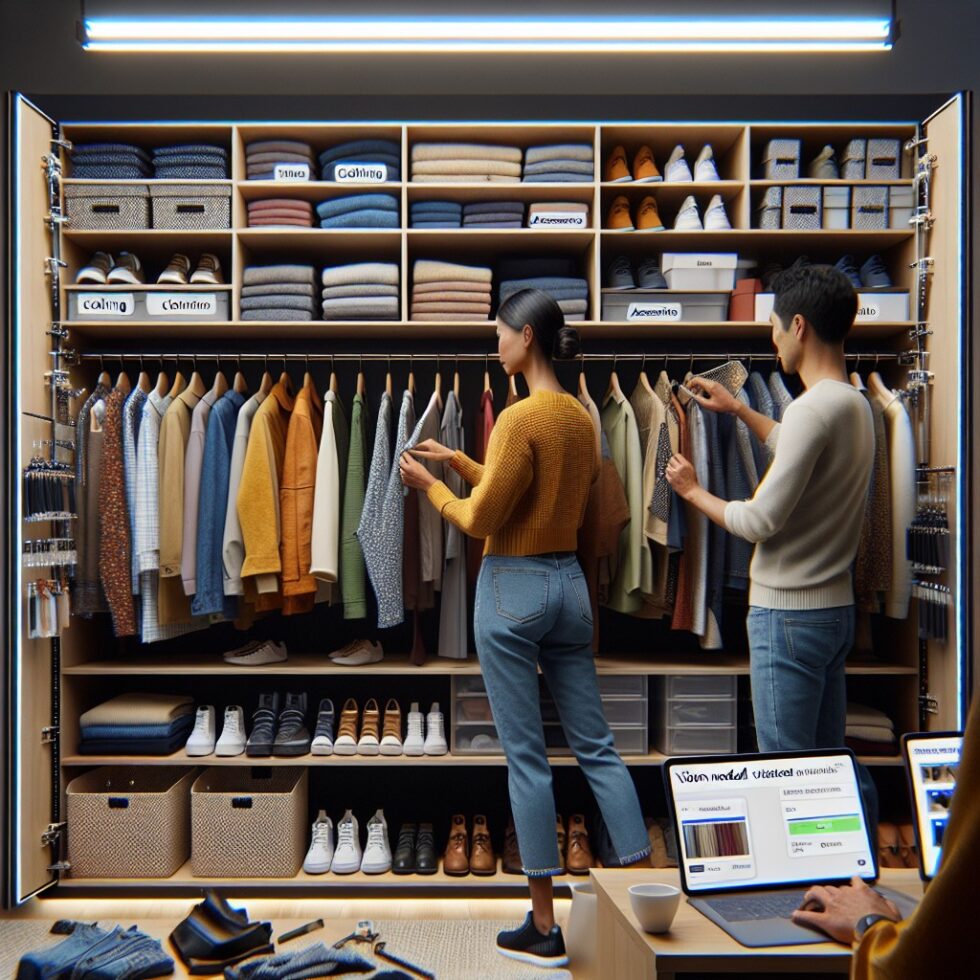
Your closet is full of useful data hiding in fabric and hangers. With a few hours of setup and some light‑weight AI that runs locally, you can turn it into a searchable wardrobe: find that navy sweater in seconds, see what matches your new shoes, avoid buying a near‑duplicate, and prep a resale listing with one tap. This guide shows how to build a practical system that lasts—without uploading your life to a random cloud or tinkering for weeks.
What You’ll Build
You’ll create a simple, local-first wardrobe manager that uses your phone’s camera, small on-device models, and inexpensive stickers to link physical items to a clean catalog. The flow is straightforward:
- Capture: Take consistent photos of each garment. Background removal makes them pop.
- Organize: Auto-detect type, color, and season. Add your size notes when needed.
- Link: Stick a small QR or NFC tag inside each item to pull it up with one scan.
- Search and plan: Use fast visual similarity and simple color harmony rules to build outfits.
- Care and cycle: Track laundry, “not worn in 90 days,” and generate resale drafts.
The result is a calmer closet you can actually use. It saves morning time, reduces impulse buys, and supports a more circular approach to style.
Core Setup: Photos, Categories, and an Easy Start
The 30‑Minute Inventory Blitz
Start small. Don’t try to catalog your whole wardrobe in one sitting. Instead:
- Pick a focused capsule: 10–20 everyday items you wear weekly.
- Choose one clean background you can reuse: a white wall, door, or foam board.
- Lay items flat or hang them on a plain hanger. Smooth wrinkles for better edges.
- Use your phone. Natural daylight works well; avoid mixed lighting.
Take front-facing photos. For items with key details (pattern, logo, texture), take a second close-up shot. For shoes, photograph each side once. You’ll refine as you go, but this quick win builds momentum.
Consistent Photos Pay Off
Because you’ll run background removal and color detection, consistency matters. A few simple habits will improve results:
- Same distance between camera and item (use floor tape or a mark on the door).
- Same orientation (e.g., tops face left, bottoms face right).
- Even light without harsh shadows. If needed, bounce light off a white wall.
Store raw photos locally so you can reprocess later as your models improve.
Lightweight Vision That Runs Locally
You don’t need a GPU server to make this useful. A modern phone or a small mini-PC can handle the core steps offline.
Clean Cutouts With Background Removal
Background removal makes each item look like a product photo. It also helps downstream steps like color detection. Popular local options include:
- MediaPipe (phones/desktop): fast segmentation pipelines for real-time cutouts.
- U2-Net: accurate salient object detection that runs on CPUs.
- Segment Anything (SAM): flexible segmentation with great masks; use an ONNX or distilled variant for speed.
Tip: if a single pass leaves fuzzy edges, run a quick refinement with a trimap or eraser tool. Don’t chase perfection; your goal is “good enough to browse.”
Detect What It Is: A Practical Taxonomy
Skip hyper‑granular fashion ontologies. A simple taxonomy is stable and easy to maintain:
- Type: top, bottom, dress, outerwear, footwear, accessory
- Sub‑type: tee, shirt, sweater, jeans, trousers, skirt, sneakers, boots, belt, etc.
- Season: warm, cool, all‑season
- Formality: casual, smart‑casual, formal, athletic
You can classify with a compact image embedding model like CLIP or a MobileNet variant. Store an example image and label for each sub‑type; then do k‑nearest neighbors in embedding space. This avoids retraining and is easy to update as your style changes. If an item is mis‑labeled, correct it once and your kNN improves immediately.
Color and Fabric Detection You Can Trust
Color detection is often messy. Here’s a practical approach:
- Convert the item pixels to CIELAB color space; it aligns better with human perception.
- Run k‑means (k=3) to find dominant colors; ignore clusters smaller than 10%.
- Map the cluster centroids to a short, named palette (e.g., 12–24 colors: black, navy, blue, teal, green, olive, etc.).
For fabric, look at texture cues in the cropped image. Simple heuristics help:
- Shine and specular highlights suggest satin or leather.
- Regular ribbing suggests knitwear.
- Obvious weave suggests denim or twill.
Start with a few fabric tags you care about (denim, knit, wool, leather). You can always expand later.
Make Items Scannable: QR and NFC That Survive Laundry
Linking physical items to digital records is the small magic that makes this system stick. You have two low‑cost options.
QR Stickers
- Pros: Cheap, scannable by any phone camera, easy to print at home.
- Cons: Can peel with repeated washing; need a subtle placement to avoid showing through thin fabrics.
Use 15–20 mm matte QR labels and place them on care tags or inside waistbands. Print short URLs or encode a unique ID that your app maps to a local record.
NFC Tags
- Pros: Tap to open item, no camera needed, can be hidden under a fabric patch.
- Cons: Slightly higher cost; ensure tags are laundry‑safe (stick to passive NTAG, not electronics with batteries).
Stick or sew NFC tags near the inside seam or behind the care label. Write a short record with the item ID. Test one garment first to confirm your washing routine doesn’t lift the adhesive.
Scanning Flows That Don’t Annoy
Make scanning a natural part of your routine:
- Outfit building: Tap/scan items as you lay them out; the app shows matches and weather‑aware notes.
- Laundry: Scan to mark “in basket,” “washed,” or “dry clean.” Bulk update is a must.
- Travel packing: Scan items as you place them in a bag; the app checks gaps (e.g., “no warm layer packed”).
Outfits That Respect Your Taste
Outfit suggestions work best when they mirror your actual style. You don’t need deep learning to get there.
Similarity Search With Embeddings
Build an embedding index of your catalog using a compact image model. Then:
- Find visual complements by looking for items with low but non‑zero cosine similarity to a seed item (not a dupe, not random).
- Build a quick “avoid too close” rule to prevent pairing near‑identical items.
- Always show 2–3 options, not 20. Choice overload kills adoption.
Color Harmony as a Friendly Guardrail
Use basic color relationships for pleasant suggestions:
- Analogous: neighbor colors (e.g., blue + teal) for calm combinations.
- Complementary: opposite colors (e.g., navy + rust) for contrast.
- Neutral anchors: black, white, gray, tan reduce the risk of clashing.
Convert your dominant color to a hue angle and apply simple rules. This is easy to code and performs well in daily use.
Signals From Your Calendar and Weather
Keep it simple. Don’t build a weather station; just read today’s forecast and your next event title. Use them as filters, not dictators:
- Forecast 10–15 °C: suggest a light jacket or sweater layer.
- Event contains “wedding”: boost formal items, hide athletic wear.
Include a one‑tap override button: “ignore events today.” The user is still in charge.
Laundry, Storage, and the Item Lifecycle
Don’t Overthink Laundry States
Track just three states to start: clean, worn, laundry. Optionally add dry clean or mend. Each scan or tap moves the item forward. A small nudge on Sunday evening—“6 items still in basket”—is enough to help most people.
Not Worn in 90 Days: Decide With Data
Items that sit unworn drain closet space and attention. Mark an item as “idle” if it hasn’t been part of an outfit in 90 days (tune this to your climate). On the idle view you can:
- Try a “bring back” combo: the app suggests two pairings that fit the current season.
- Mark “archive” if you’re saving it for a reason (sentimental, seasonal).
- Start a resale draft if you’re ready to let it go.
Resale and Donation in Minutes
When you decide to part with an item, the system can generate a first draft of your listing:
- Title: Brand + sub‑type + color (e.g., “Uniqlo merino crewneck, navy”).
- Description: Fabric notes, condition, fit tips, and care. Pull from your tags.
- Photos: Reuse your clean cutouts and add one natural light shot for texture.
For donation, print or display a QR code with a small inventory list. It helps for tax receipts and reduces “where did that go?” confusion later.
Shop Smarter With a Closet Brain
Before you buy something new, put it through two fast checks.
Near‑Duplicate Check
Save the store photo and compare its embedding to your closet index. If cosine similarity crosses a threshold (say > 0.90), your app flags it: “Very similar to your navy cotton cardigan.” You can still buy it, but at least you know.
Coverage and Cost Per Wear
Let the app check coverage by sub‑type and season. If you own 6 hoodies and 0 light cardigans, maybe shift the budget. For pricier items, compute a rough cost per wear forecast: price divided by expected wears over 2 years. It’s a simple nudge toward value.
Measurements and Fit Without Drama
Fit is personal. Your app can help without pretending to be a tailor.
- Store a few body measurements: height, chest, waist, hip, shoe size.
- Optionally store garment measurements for tricky items (shoulder width for jackets, rise for jeans).
- Let users add a short “fit note” in plain language: “boxy fit, sleeves run long.”
Over time, surface patterns: if three brands’ “M” shirts fit well and two run small, show that on future suggestions.
Build the Simple App (You Don’t Need to Be a Pro Dev)
This can be a lightweight Progressive Web App (PWA) or a small desktop app. Keep the architecture modest so you’ll maintain it.
Data Model
- Item: id, photos, type, sub‑type, colors, season, formality, fabric, size notes, tags, created_at, last_worn_at
- Outfit: id, list of item ids, date, occasion, notes, photo (optional)
- Event: id, title, date, expected dress code (optional)
Keep it flat and human‑readable. If your app vanishes, you can still open the data folder.
Local Storage and Sync
- On the web: Use IndexedDB for structured data and the file system for photos. Offer an export to JSON + images.
- On desktop: A single SQLite file with a predictable folder for images is reliable.
- Sync: Use your favorite private file sync solution. Avoid third‑party backends unless you need cross‑device auth.
Privacy matters. Default to local‑only. If you add optional cloud backup, make it explicit and encrypted.
Performance Tips
- Use thumbnails (e.g., 512 px on the long edge) for browsing; load originals on demand.
- Batch background removal when the phone is plugged in or the desktop is idle.
- Cache embeddings and kNN results; recompute only when photos change.
Practical AI Choices
Pick tools that are simple, documented, and stable:
- Segmentation: MediaPipe, U2-Net, or a small SAM variant converted to ONNX.
- Embeddings: CLIP or a mobile‑friendly alternative. Store vectors in a plain array; use cosine similarity.
- Color: OpenCV for conversions; use a compact named palette you define once.
Resist the urge to overfit. If your closet taxonomy requires a PhD to update, you won’t use it when you’re rushing out the door.
Privacy, Safety, and Sharing
Clothing touches identity. Treat your data with care.
- Default to offline: Run models locally. Avoid uploading photos to unknown services.
- Avoid faces: Crop or blur if you try on items. Better: use flat lays or hangers.
- Control sharing: If you share outfits with a partner or stylist, send links that expire and don’t expose locations or measurements.
- Kids’ items: Skip faces and locations; treat school logos as sensitive.
Make It a Habit (Without Making It a Job)
Small, repeating habits keep the system useful:
- Weekly: Add photos of anything new you wore this week. Mark laundry done.
- Monthly: Review “idle items,” archive or plan a bring‑back outfit.
- Seasonal: Rotate tags (e.g., boost “cool season” items). Consider a small donation batch.
Build tiny automations: a Sunday evening reminder, or a one‑tap “today’s outfit” note that sets last_worn_at for included items.
Troubleshooting: Common Snags and Fixes
Background Removal Misses Edges
- Use a higher contrast background (white item on dark board, dark item on white board).
- Add a quick trimap and rerun the cutout. Save masks for reuse.
Colors Look Off
- Photograph in indirect daylight; turn off warm indoor bulbs.
- Use a gray card once and apply white balance to that day’s batch.
- Snap a fabric close‑up for tricky textures; your eye can correct what the model guesses.
Too Many Tags
- Collapse duplicates (“navy” vs “dark blue”).
- Stick to 3–5 core tags per item: sub‑type, 1–2 colors, season, formality, fabric (optional).
I Stop Using the App
- Trim features. Hide wishlist, keep only outfits, search, and laundry.
- Make scanning fun: a satisfying “ding” and a visible change (e.g., sparkles on cleaned items) sounds silly but helps.
Where This Can Grow
Once the basics work, you can add focused upgrades:
- Travel mode: Pack lists that respect climate and events; suggest capsule outfits.
- Shared closets: A family view with per‑person filters and simple permissions.
- Outfit analytics: See your most worn pairs and the “MVP” items driving combinations.
- Smart reminders: “These boots need waterproofing” after X wears or wet weather days.
Always ask: does this reduce friction? If not, skip it.
Summary:
- Start with a small inventory and consistent photos; background removal makes browsing pleasant.
- Use a simple taxonomy and image embeddings for fast, local classification and similarity search.
- Link garments with QR or NFC for one‑tap access during outfit planning and laundry.
- Color harmony and small rules beat complex AI for everyday outfit suggestions.
- Track “not worn in 90 days” to surface bring‑back ideas or kick off resale/donation.
- Run everything offline by default; protect faces and sensitive details.
- Keep the app simple, with reliable storage and easy exports; build habits, not chores.
External References:
- OpenCV: Computer Vision Library
- MediaPipe: Cross-platform ML solutions
- U2-Net: Salient Object Detection
- Segment Anything (SAM): GitHub
- CLIP: Contrastive Language-Image Pretraining
- ONNX Runtime: Deploy ML Models
- MDN: IndexedDB API
- Adobe Color: Harmony and Wheel
- Google ML Kit: Vision APIs
- Ultralytics Docs: YOLO and Vision Models