Wildlife is busy when you are not. A camera trap—built to wait, wake, and record—can reveal what crosses a trail at 2 a.m. or which birds visit a quiet water source at dusk. Today you can go further: add on‑device AI to classify species, filter out false triggers, and collect data that is actually useful. This guide walks you through a build that is both field‑ready and respectful of battery life, privacy, and local conditions.
What You’re Building and Why
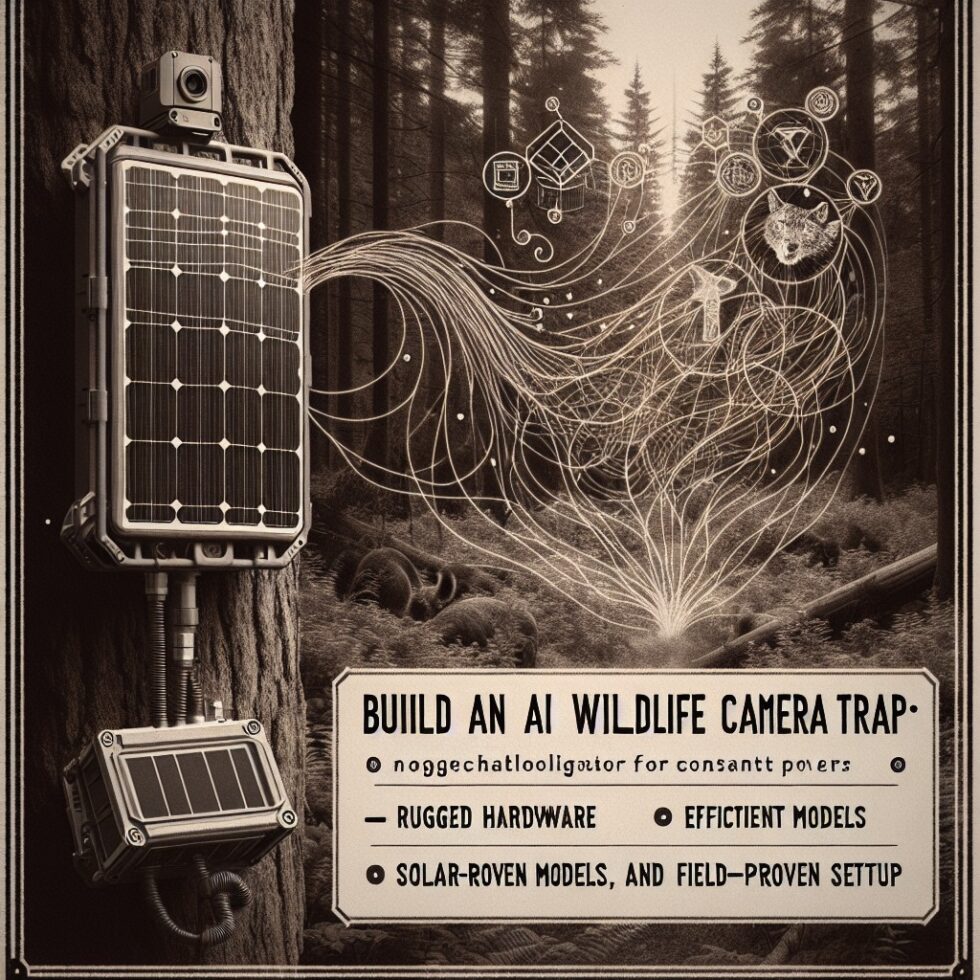
The goal is a weatherproof camera trap that sleeps most of the time, wakes on motion, captures images or short video, and runs a lightweight model to sort clips into categories (for example: “deer,” “raccoon,” “bird,” “unknown,” and “person”). It stores full media locally and can send a small thumbnail or a text summary when you come within range or on a low‑bandwidth link.
Off‑the‑shelf traps exist, but many flood the card with wind‑triggered shots or upload everything to a cloud you cannot control. With a little attention to power, optics, and models, you’ll end up with something you can tune over time, share responsibly, and maintain without headaches.
Core Hardware Choices
Compute boards that sip power
Pick your core based on power budget and model size:
- Raspberry Pi Zero 2 W or Pi 4/5: Great community support, runs TensorFlow Lite or ONNX Runtime. Use a Pi Zero 2 W for stills and simple classifiers; Pi 4/5 for tiny detectors or short video inference.
- Google Coral USB / Mini PCIe: Adds an Edge TPU that excels at INT8 models. Ideal if you want fast, accurate detection while keeping the Pi idle most of the time.
- NVIDIA Jetson Nano or Orin Nano: More power hungry but excellent for real‑time detection or segmentation. Pair with aggressive sleep strategies or external power if you go this route.
- ESP32‑S3 with camera: Microcontroller class. Minimal power and cost, but AI is limited to tiny keyword‑spotting‑scale models. Useful as a smart pre‑filter in front of a bigger board.
For most builds, a Pi 4 + Coral USB strikes a balance: the Pi manages power, storage, and scheduling; the Coral runs fast, low‑power inference.
Camera and optics
Camera traps live in poor light. Choose optics with that in mind:
- Sensor: Use modules with larger pixels (e.g., IMX477 or quality OV sensors). They handle dusk/dawn noise better.
- Lens: 4–6 mm focal length helps frame a trail without extreme distortion. A 70–90° FOV is versatile; avoid ultra‑wide unless you are in close quarters.
- IR illumination: “No‑glow” 940 nm LEDs reduce animal disturbance but shorten range. “Low‑glow” 850 nm reaches farther but has a visible faint red. Consider a removable IR‑cut filter or a dedicated night lens.
Match your illumination to your target distance: stronger IR for 8–15 m trails, gentler for feeders 2–5 m away.
Motion sensor and triggers
Passive infrared (PIR) sensors are efficient and proven. Choose one with adjustable sensitivity and a narrow Fresnel lens to avoid false triggers from swaying foliage. Mount the PIR slightly offset from the camera’s centerline so you can finetune alignment independently.
Enclosure, Power, and Weatherproofing
Power: batteries, solar, and a sleep‑first mindset
Your battery choice shapes the whole design:
- LiFePO₄ (LFP) cells: Stable, safe, wide temperature tolerance, and long cycle life. Slightly heavier but excellent for long deployments.
- 18650 Li‑ion packs: High energy density. Keep within safe temperature and use a reputable BMS with low quiescent draw.
- Solar assist: A 10–20 W panel with a charge controller can support near‑continuous service. Use a real MPPT or a good PWM controller rated for your chemistry.
Architect for sleep. A tiny microcontroller (e.g., an ultra‑low‑power ARM board) can control a load switch that physically removes power from the compute board and camera when idle. The PIR feeds the microcontroller; if a valid motion pattern appears, it powers on the main board for capture and inference.
Electronics for low idle draw
- High‑efficiency buck converter with microamp‑level quiescent current (for example, modern synchronous bucks). Avoid cheap modules with milliamps of idle draw.
- Load switch or P‑channel MOSFET to cut power to compute and camera completely between events.
- RTC (real‑time clock) for scheduled wake windows (e.g., dawn/dusk) without keeping the main CPU alive.
Target an idle current under 200 µA for long deployments. Active draw can be a few watts for seconds at a time; that is fine if sleep dominates.
Enclosures that survive months outdoors
Choose an IP66+ box sized to house the board, battery, and IR array with clear windows for the lens and PIR. Line the lens window with a hydrophobic coating to reduce rain spots.
- Cable glands with strain relief for panel leads or external antennas.
- Breather vents (ePTFE) to equalize pressure and cut condensation.
- Desiccant packs you can swap during visits. Keep them off electronics; they can dust.
Paint or wrap the exterior to match surroundings. Gloss finishes cause glare and reflections into the lens—use matte or textured paint.
Model Choices: Detect, Classify, or Both
Detection vs. classification
You can run a two‑stage pipeline: a detector localizes animals in a frame, then a classifier identifies species on the cropped region. This is more accurate and robust to clutter, but slightly heavier. For feeders or close‑range setups, a single classifier on full frames can be surprisingly effective and simpler to maintain.
Good starting architectures
- YOLOv5n/YOLOv8n: Tiny detectors that run well on Pi 4 + Coral or Jetson Nano. Use for bounding boxes of “animal,” “human,” “vehicle,” “bird,” etc.
- MobileNetV3 or EfficientNet‑Lite: Compact classifiers for species buckets. Quantize to INT8 for speed and power savings.
- TFLite + Edge TPU: If you adopt Coral, compile your model to Edge TPU for very low latency and lower system‑level power.
Training data and labels
Use high‑quality, permissioned datasets and pay attention to licenses. A few places to begin:
- LILA BC Camera Traps hosts several open wildlife datasets, including Caltech Camera Traps and Snapshot Serengeti. Great for detection and classification experiments.
- iNaturalist Open Data can seed species classifiers, but camera‑trap conditions differ from handheld photos. Expect to fine‑tune.
Start with broad classes (“deer,” “canid,” “bird,” “rodent,” “human,” “unknown”). Add species‑level models only when you have enough local examples to avoid mislabels. Keep a dedicated “unknown” class. It reduces overconfidence and flags clips for manual review.
Quantization and conversion
Quantize early. INT8 often yields a 2–4× speedup and power savings with small accuracy tradeoffs.
- PyTorch → ONNX → TFLite is a common path if you want CPU/TFLite and Coral support.
- For Jetson, TensorRT can compile models for fast FP16/INT8 inference.
- Test on representative night/dawn frames. Many models trained on daylight datasets collapse in IR scenes unless you include them during training.
The Capture Pipeline
Wake, pre‑roll, and post‑roll
Animals move quickly. If you only record after the PIR fires, you may miss the approach. Keep a small in‑RAM circular buffer of JPEG frames (or low‑bitrate encoded video). When motion fires, save a few buffered frames as pre‑roll, capture 3–8 seconds of post‑roll, then shut down.
False triggers and wind discipline
False triggers come from IR swings (sun on foliage), thermal plumes, or insects near the lens. Combine multiple checks:
- PIR + frame differencing: Require a minimum pixel change in a central region to validate the PIR event.
- Time‑of‑day profiles: Lower sensitivity during hot afternoons when IR turbulence is high; increase near dawn/dusk.
- Ignore tiny moving blobs: If your detector finds very small, high‑speed targets at night, they are often insects near the lens. Filter by size and speed.
Metadata and versioning
Write a JSON sidecar per clip or image with timestamp, temperature (optional), model version, classes and confidence, and a stable device ID. When you retrain models, keep the old outputs alongside new ones instead of overwriting; this lets you back‑test improvements.
Storage and Sync Without Drama
SD cards and file systems
Field devices suffer power cuts. Use industrial‑grade SD cards with high endurance. Favor log‑structured or flash‑friendly filesystems (e.g., F2FS) and flush metadata after each event to avoid corruption. Periodically rotate logs and prune old clips by age and remaining capacity.
Sync options that don’t eat power
- Sneakernet: Swap SD cards during site visits. Simple, robust, and great for remote spots.
- Bluetooth LE or Wi‑Fi AP-on‑demand: When you arrive, press a button to broadcast a local AP for quick metadata download. Power efficient because radios only wake when needed.
- LoRa/LoRaWAN thumbnails: Send a 5–8 kB downscaled image and label as a heartbeat. Full media stays local.
Whatever you choose, keep the air interface off by default. Field time and weather dominate battery usage; radios should not.
Respect People, Property, and Wildlife
Built‑in privacy and safety
Train and run a person detector locally. If a person appears, either discard the clip or blur the region before saving. Store a hashed version of any identifiers (device IDs, site labels) in metadata. Use explicit signage where appropriate and keep traps off public rights‑of‑way without permission.
Ethical placement
Avoid nests or dens, and do not bait in protected areas. Aim to observe behavior, not alter it. “No‑glow” IR and silent shutters reduce disturbance. Review local regulations; some parks require permits for unattended equipment.
Field Deployment Tactics
Where and how to aim
- Height: For medium mammals, 40–70 cm off the ground. For birds, frame where they perch or land, not the sky.
- Angle: Aim along a trail rather than across it. This increases the time animals stay in frame.
- Background: Avoid waving leaves or water behind your subject zone. A quiet background reduces false motion and helps the model.
Light and weather
Do not face due east or west. Low sun drives IR noise and lens flare. Tilt the enclosure forward a few degrees to shed water off the lens window. In snowy regions, mount on a stable tree or a post with some wind shielding to cut motion.
Tamper resistance
Use a simple cable lock and blend the enclosure with bark‑pattern vinyl or matte paint. Avoid obvious antenna whips; internal antennas keep a low profile. If theft is a risk, consider a decoy camera nearby and mount the real trap higher and off‑axis.
Monitoring and Maintenance
Health metrics
Log battery voltage, device temperature, and a periodic “I’m alive” event count. These small data points let you catch condensation issues or panel shading early.
Visit checklist
- Swap or recharge batteries, rotate SD cards, and refresh desiccant packs.
- Clean the lens and PIR window; reapply hydrophobic coating if needed.
- Pull a quick test clip to confirm time sync, focus, and IR intensity.
Labeling, Feedback Loops, and Better Models
Workflows that scale
Do a lightweight triage: present thumbnails and top‑k labels in a grid and let a reviewer accept or correct with one click. Save corrections as training examples. Bias the next model’s training set toward clips the last model struggled with (low confidence or large disagreement with human labels).
Active learning in the field
Flag “unknown” or low‑confidence clips for a higher capture rate next time. For example, if birds in low fog confuse your classifier, temporarily increase the frame count or run a more sensitive detector during those conditions.
Troubleshooting in the Wild
Condensation and fog
If your lens fogs at dawn, your enclosure is breathing humid air and trapping it. Verify your vent is intact, add fresh desiccant, and avoid mounting directly on cold metal posts that form dew quickly. A gentle lens heater (thin resistive film on a timed schedule) can fix stubborn cases at the cost of some power.
Overexposed IR or washed frames
At night, nearby reflective surfaces can blow out images. Reduce IR intensity, widen the beam, or angle the illuminator slightly off‑axis. On detectors, reduce exposure gain or use a night profile with lower analog gain and more noise reduction.
Clock drift
Without GNSS or internet time, cheap RTCs drift. Sync during visits by tapping your phone to the device with BLE or NFC to set the clock. Log both local and UTC; it saves confusion later.
SD corruption
Corruption is often caused by power loss during writes. Keep event files small; write once, fsync, and close. If you can, buffer records and write them atomically. Consider a dual‑partition scheme: one for media, one for logs and model configs.
Two Reference Builds
Battery‑first, long‑life trap
- ESP32‑S3 microcontroller as the gatekeeper
- Raspberry Pi Zero 2 W + Coral USB for fast INT8 inference
- PIR sensor with narrow lens; IR array at 940 nm
- LiFePO₄ 4‑cell pack with a low‑IQ buck converter and load switch
- IP66 enclosure with vent and desiccant
Expect weeks to months of life depending on activity. Ideal for trails far from power.
High‑fidelity, short‑video trap
- Raspberry Pi 4 or Jetson Nano
- IMX477 camera module with quality lens
- YOLOv8n detector + EfficientNet‑Lite classifier
- 10–20 W solar panel with MPPT; medium Li‑ion pack
- On‑demand Wi‑Fi AP for quick downloads on site
Best for semi‑permanent sites where you want short 720p/1080p clips and rich labels.
Data You’ll Actually Use
From raw files to useful summaries
Great traps produce clean data, not just pretty clips. Maintain a compact CSV or Parquet file with per‑event summaries: timestamp, location code (not GPS if sensitive), class, confidence, and image path. This feeds into population presence/absence analyses, activity patterns by hour, and weather correlation if you collect local conditions.
Sharing and stewardship
If you plan to share, respect site sensitivity. Strip location details for threatened species and avoid precise timestamps around nesting. Think about a tiered archive: full‑quality media private, thumbnails public, and scientific summaries available on request.
Cost, Weight, and Quiet Wins
It is tempting to chase the newest board or the sharpest lens. In practice, placement, power discipline, and model fit matter more. A modest sensor correctly aimed will beat an expensive rig pointed across a sunlit ravine. Keep field swaps fast and quiet, and your dataset—and your enjoyment—will grow.
Summary:
- Choose compute by power budget and model size; Pi + Coral is a strong, efficient combo.
- Use optics and IR tailored to your distance and subjects; avoid facing the sun.
- Design for sleep: microcontroller gatekeeper, low‑IQ power stages, and RTC scheduling.
- Start with tiny detectors or simple classifiers; quantize to INT8 and include night scenes.
- Combine PIR with frame checks to cut false triggers; keep pre‑ and post‑roll buffers.
- Prefer flash‑friendly filesystems; rotate storage and sync only when you’re on site.
- Bake in privacy: detect people on‑device and discard or blur as policy.
- Deploy thoughtfully: height, angle, background, and camouflage matter more than specs.
- Maintain with a simple visit checklist; log health metrics for early warnings.
- Close the loop: label efficiently, retrain on hard cases, and share responsibly.